Originally done by exposing the same frame of film twice, double exposures have been popular for a long time. Today we can use software to emulate this technique. One of the more interesting uses of this was the intro to the series True Detective Season 1.
There are many applications for this and if you’re eager to try this you don’t have to resort to expensive software to do so. Snapseed has a double exposure function built in which you can use to create double exposure images. It is my go to for all my editing.
I’ve been experimenting with some shutter drag photography the past few weeks. Then I decided to add a little double exposure into the mix.
The photos
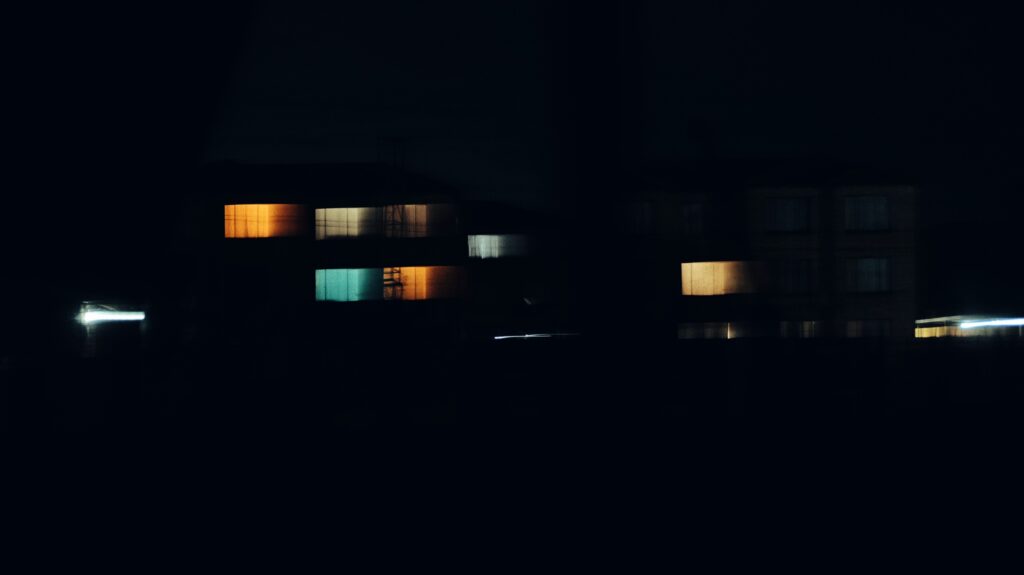

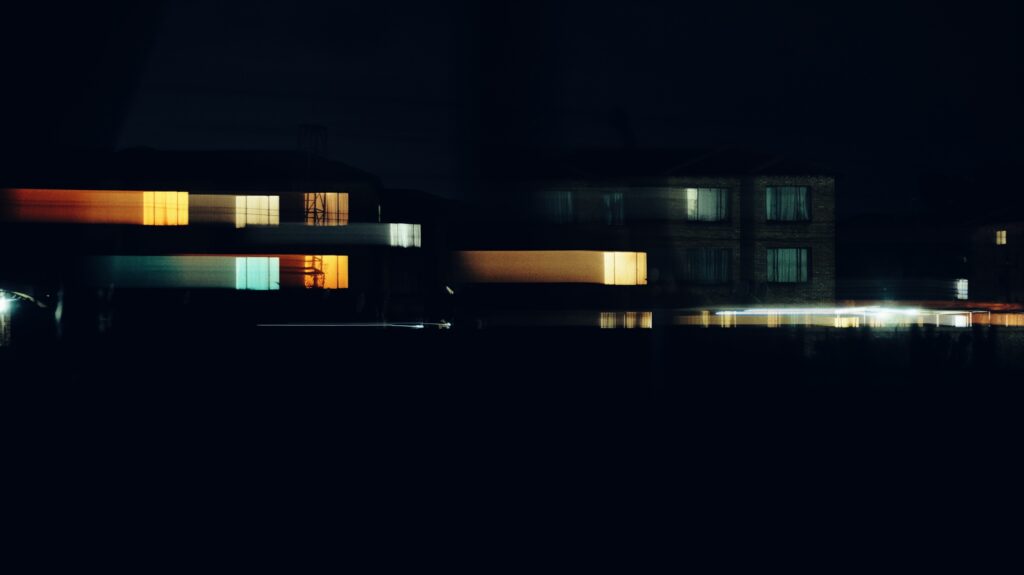
For these photos I took two images. The first one is a “static” image without shutter drag. I wanted to capture as much detail as possible in the first image. Second image was from the same position but now I dragged the shutter.
The ‘Speedlines’ image is my favorite of the three. Colors on the left of the image, really vibrant. I’m happy the drag stopped just before running over the edge. The apartments in the top right hand acts as a counter to the lit windows but there is still a tiny bit of drag visible if you look closely.
tl;dr
I’m looking forward to playing around a little bit more with this during the coming months, especially during the autumn & winter when we have a better change for foggy nights.
Thanks for reading : )